Bookmark an ayah
Save an ayah quickly when you want to revisit it without interrupting the reading session.
A library for reflection
Save a passage in the moment, add a private reflection, organise it by theme, and return to the original verse without searching for your place again.
Two ways to remember
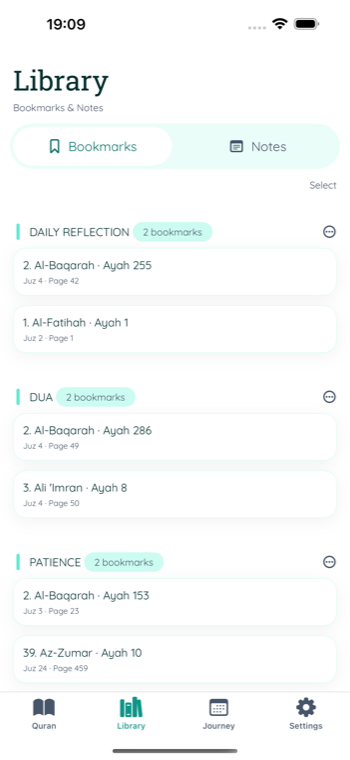
Bookmarks and notes serve different purposes while remaining tied to a precise ayah reference.
Save an ayah quickly when you want to revisit it without interrupting the reading session.
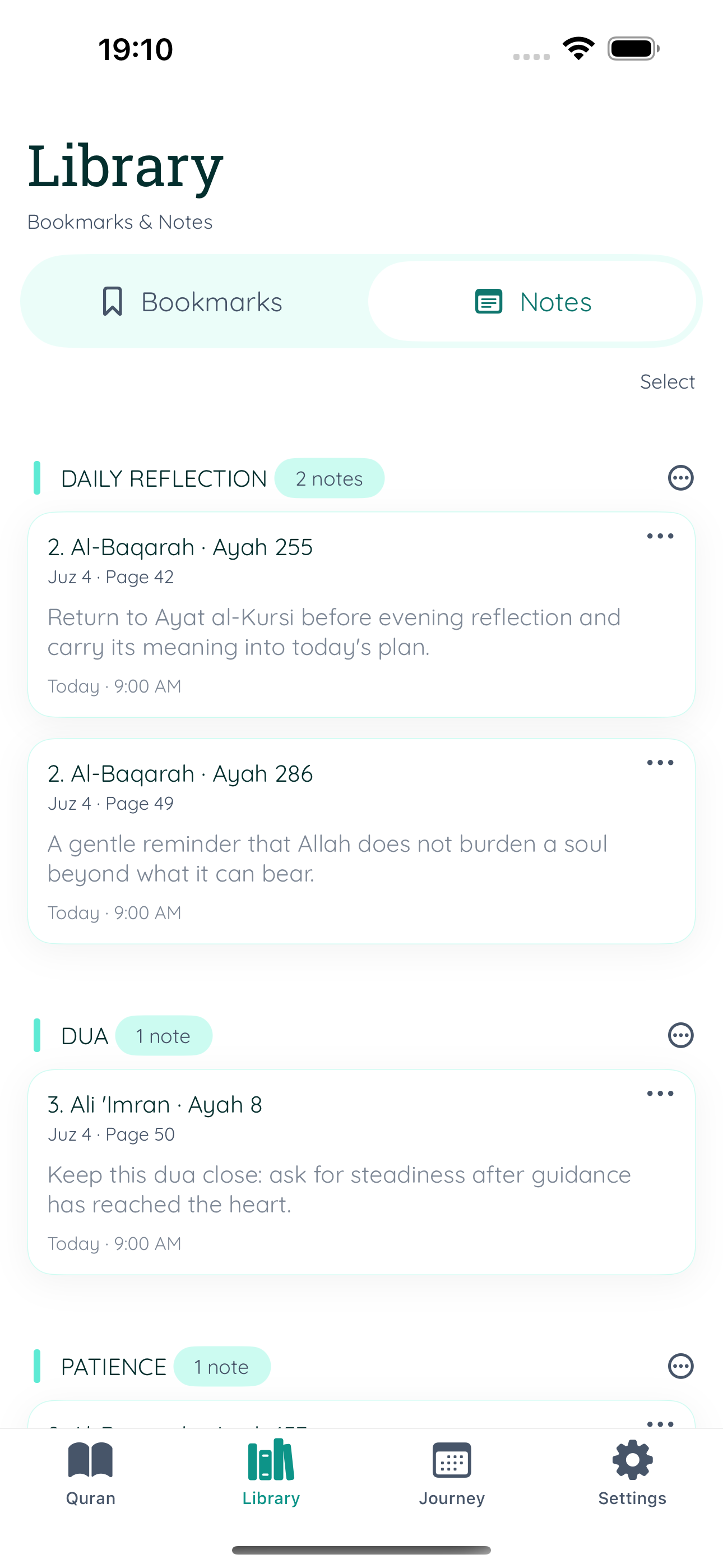
Capture a thought, question, theme, or reminder alongside the ayah that inspired it.
Create, rename, reorder, and use categories to keep a growing collection understandable.
From reading to reflection
Tap an ayah and choose Bookmark for quick saving or Note for a written reflection.
Group entries around themes such as daily reflection, questions, dua, or study.
Open a saved item to review it, move it, edit it, or navigate back to the referenced ayah.
Your reading data
Bookmarks, notes, categories, and the last-read location are stored on your device. If you choose to sign in when optional account sync is available, supported reading data can also sync through Firebase.
An account is not required for the core Quran reading and local saved-item experience.
Rename categories, move selected entries, update notes, or remove items as your library changes.
Each saved entry keeps its surah, ayah, juz, and page context where available.
Common questions
No public sharing or community feed is built into the notes library. Notes are personal reading data stored on your device and, if you opt into available account sync, in your supported account data.
Yes. Bookmarks and notes have their own category systems so each collection can be organised independently.
Yes. Saved entries retain their verse reference so you can return to the relevant location in the reader.
Related guides
Bookmarks and notes
Keep meaningful passages, questions, and reflections organised in My Quran Reader.